How to Install Fonts in Ubuntu to be used in Gimp, LibreOffice

1 min


This tutorial will show how to install fonts in LibreOffice Write, Calc, Impress, GIMP etc.

Steps to Install Fonts in Linux

  • Download/ put your fonts in a folder.
  • Open your file manager as root.
  • Browse to the path
/usr/share/fonts
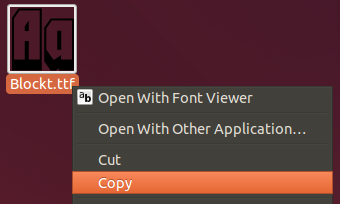
  • Copy the font to the appropriate folder. For this tutorial, the font is being copied is a truetype font (*.ttf) thus, we will copy it to /usr/share/fonts/truetype.
  • Open LibreOffice Writer or GIMP and open the Font Name drop-down. You can find your font is loaded and ready to use.

  • Creator and author of debugpoint.com. Connect with me via Telegram, 𝕏 (Twitter), or send us an email.
    Subscribe
    Notify of

    This site uses Akismet to reduce spam. Learn how your comment data is processed.

    0 Comments
    Newest
    Oldest Most Voted
    Exit mobile version