

The elementary OS 8.1 is now available to download and upgrade.
If you are a fan of the most beautiful Linux distributions, elementary OS makes the cut. The latest from the team is elementary OS 8.1, which brings targeted improvements that enhance security, performance, and everyday workflows without overhauling the core Pantheon desktop environment.
Let’s have a look at the feature highlights.
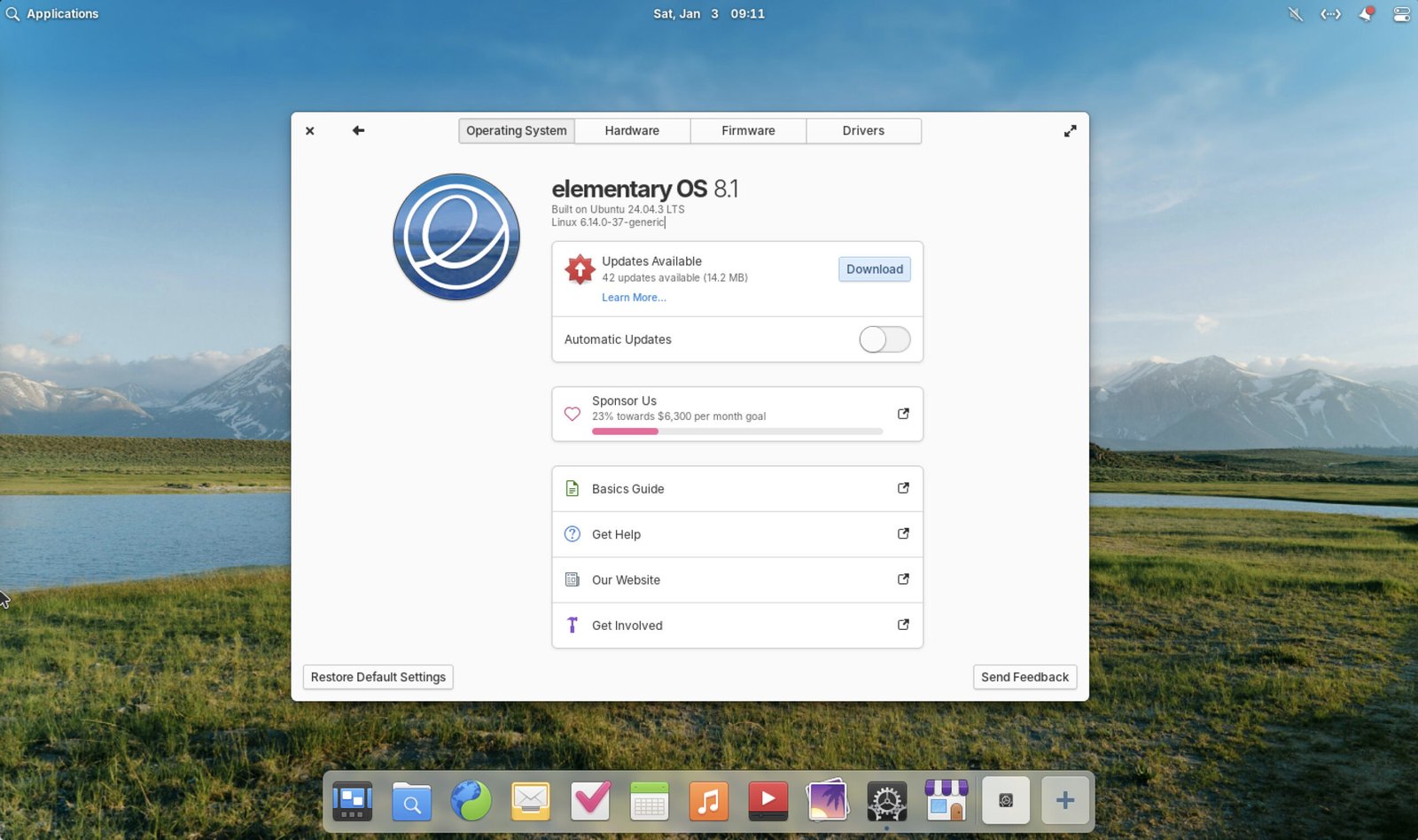
Table of Contents
elementary OS 8.1 – Key highlights
Core modules
This release is based on the latest version of Pantheon desktop environment and build on solid foundation of version 8 (codenamed Horus) and Ubuntu 24.04.1 LTS.
The underlying GTK and GNOME platform libraries align with GNOME 46, as the elementary Flatpak platform for OS 8 bases on the GNOME 46 runtime (with elementary-specific additions like Granite and the stylesheet).
ARM ISOs
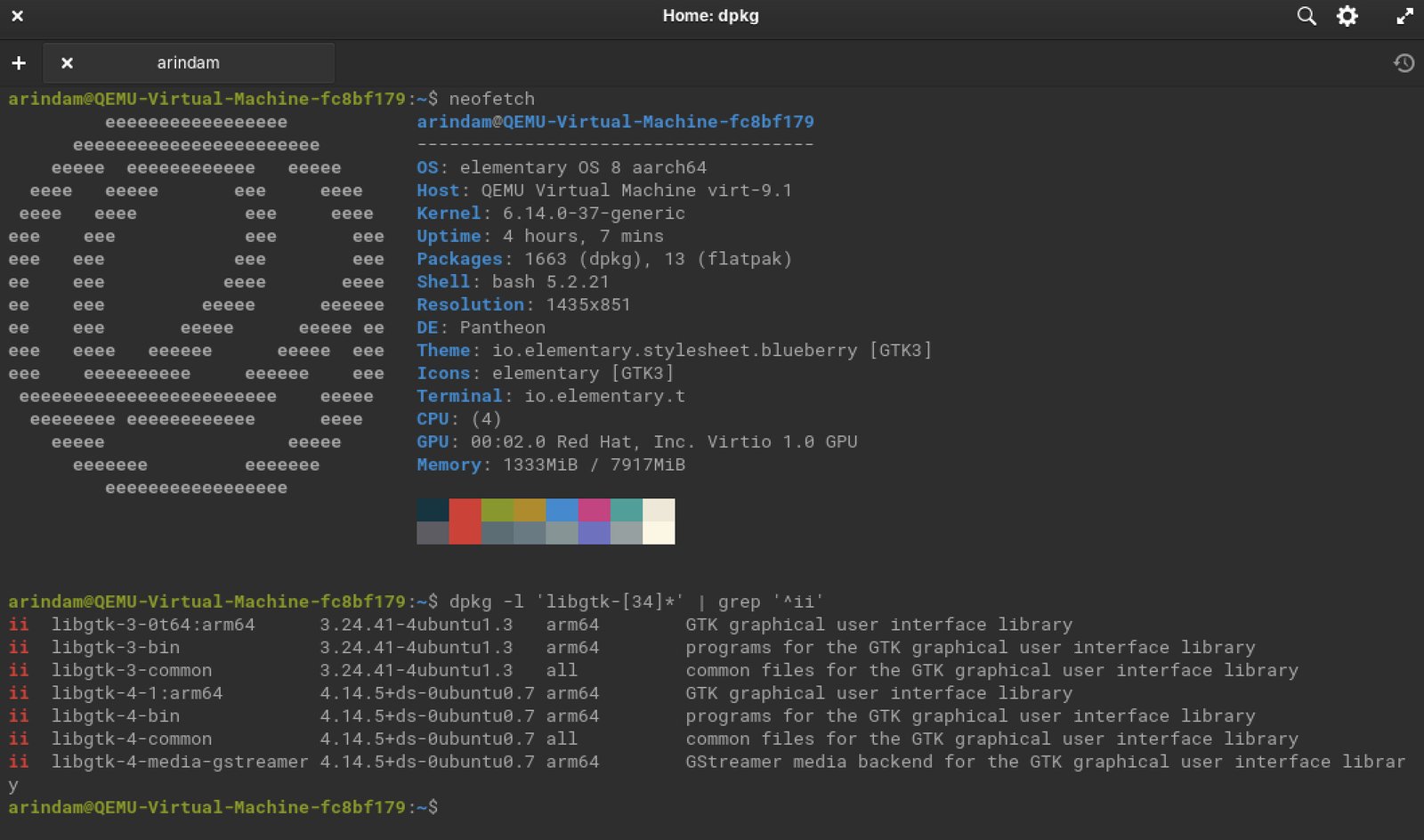
The elementary OS 8.1 fully supports official ARM64 (AArch64) ISO downloads. This is a brand-new feature in this release, marking the first time the team has provided stable ARM builds alongside the standard x86_64 (AMD64/Intel) ones.
The ARM64 ISO is designed for devices that boot via UEFI firmware.
It should work great on M-series Apple Silicon Macs (M1, M2, M3, etc.). It’s compatible with Raspberry Pi models that support UEFI (like the Raspberry Pi 4/5 with appropriate firmware loaded; note that older Pi models or non-UEFI setups won’t work out of the box).
Additional support exists for certain Qualcomm and Rockchip-based devices.
Security and Kernel
At the heart of elementary OS 8.1 is a stronger emphasis on security. The Secure Session, powered by Wayland, is now the default option, providing better app compatibility and hardware support, including Nvidia drivers. Wayland is now default for almost all major Linux distributions for desktop environments.
To combat phishing attempts, password authentication dialogs now dim the screen and prevent focus stealing, ensuring malicious apps can’t trick you into entering credentials. Additionally, new AppArmor profiles address Flatpak sandbox issues, particularly for apps like Steam and in Guest sessions, while fixing problems with app startups during session switches.
Performance gets a notable boost too. The update includes the Linux 6.14 kernel and Mesa 25 graphics stack, which improve gaming experiences, file operations, and power efficiency on AMD and Intel chipsets. For those on ARM hardware, official ARM64 builds support UEFI devices such as M-series Apple Silicon and Raspberry Pi models. Fractional display scaling in Secure Session ensures crisp visuals on pixel-dense, non-HiDPI screens, and multi-monitor setups are smoother with better handling and automatic Installer re-centering.
AppCenter updates
The AppCenter, elementary’s hub for software management, has seen significant upgrades to make discovering and installing apps more intuitive. It now displays Open Desktop Ratings System (ODRS) ratings, elementary-specific screenshots, app add-ons, controller support details, and precise licensing information. Free apps are labeled simply as “Install” instead of “Free,” and search results appear in a faster two-column layout with icon placeholders that load on the fly. GNOME Web has been updated to version 48.3 for improved performance and web compatibility.
Dock updates
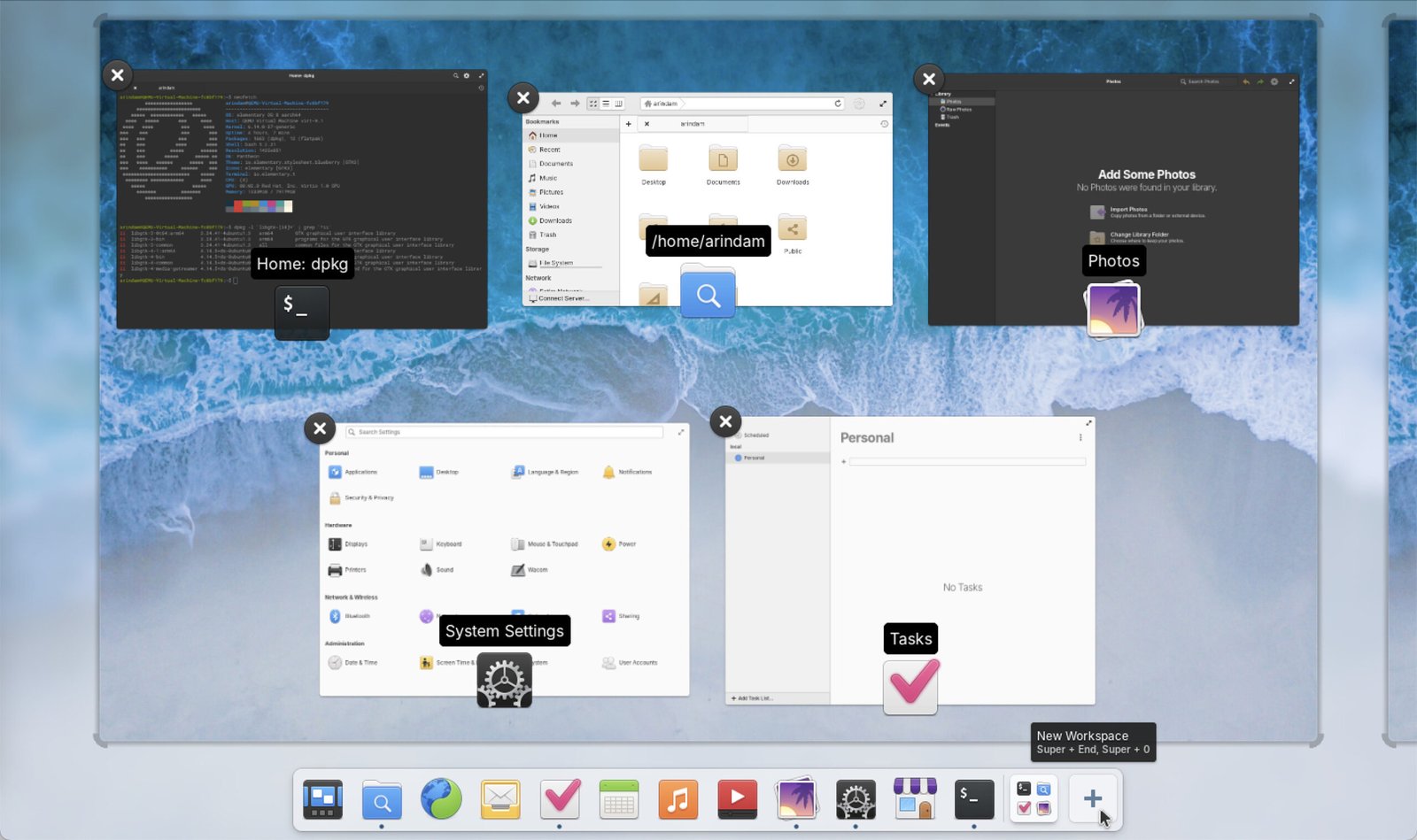
New features add convenience to multitasking and app management. The Dock now integrates a Background Portal to list and quit running background apps easily. The workspace switcher is embedded in the Dock, allowing drag-and-drop organization, a “+” button for creating new workspaces, and quick access to Multitasking View. Pressure Reveal simplifies selecting app controls, and Hotcorners work even in full-screen apps.
Application improvements
App-specific enhancements round out the release. System Settings introduce custom keyboard shortcuts for app actions, while new default apps like Monitor (for system resource tracking) and Maps (with exploration, transit info, and geo URI support) expand built-in capabilities.
Music now supports queue management with save/restore, search, and item removal.
Files handles admin URIs and template hierarchies for better organization.
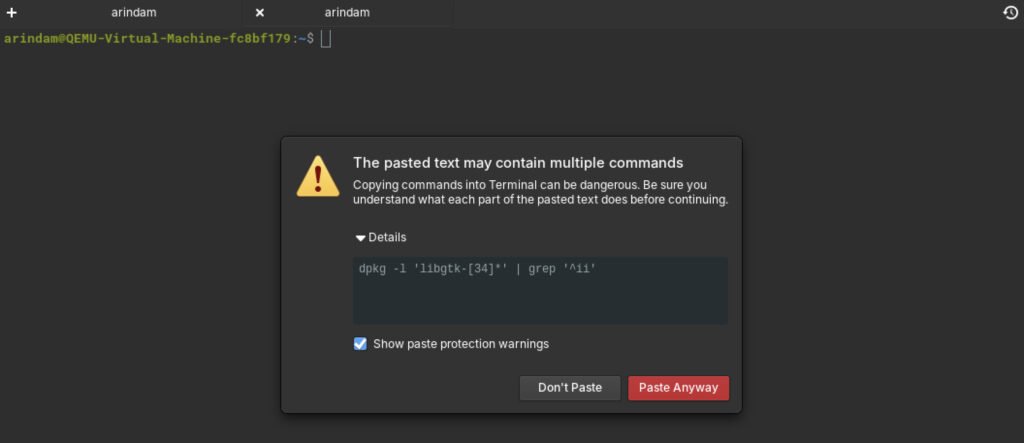
Code editor gains git cloning, branch switching, and edit marks. Terminal features a modern tab bar and expanded paste protection to prevent accidental command execution.
Accessibility and design inclusivity are prioritized with updates like improved screen reader support in Onboarding, Installer, Notifications, Calendar, and AppCenter.
Keyboard navigation is refined, with shortcuts like F10 for menus and Ctrl+Q for closing windows.
Dark Mode includes schedule snoozing and Lock Screen integration, plus reduced motion for animations.
Bluetooth Settings are more navigable, and visual tweaks include blur effects, rounder Notification and Dock corners, redesigned icons for folders and input devices, and focus indicators that hide during mouse or touch use.
Other tweaks enhance the overall user experience: notification permissions for apps, auto-connect for networks, data usage reduction options, a Prevent Sleep toggle, and settings that sync to the Lock Screen.
Download or Upgrade
If you’re ready to upgrade, head over to the elementary OS website to download the ISO or update via the AppCenter if you’re on version 8.
Wrapping Up
Overall, it’s a great point release upgrade since 8.0 and making sure that you get a reliable and more polished desktop experience.
Also, this release brings an ARM version as well, which you can try out in Apple M series and Raspberry Pi models which supports UEFI firmware.
During this testing, I tested the ARM ISO via UTM native emulation in Apple MacBook Pro, and it worked great.
So, what are your thoughts on these changes? Share in the comments below.


