

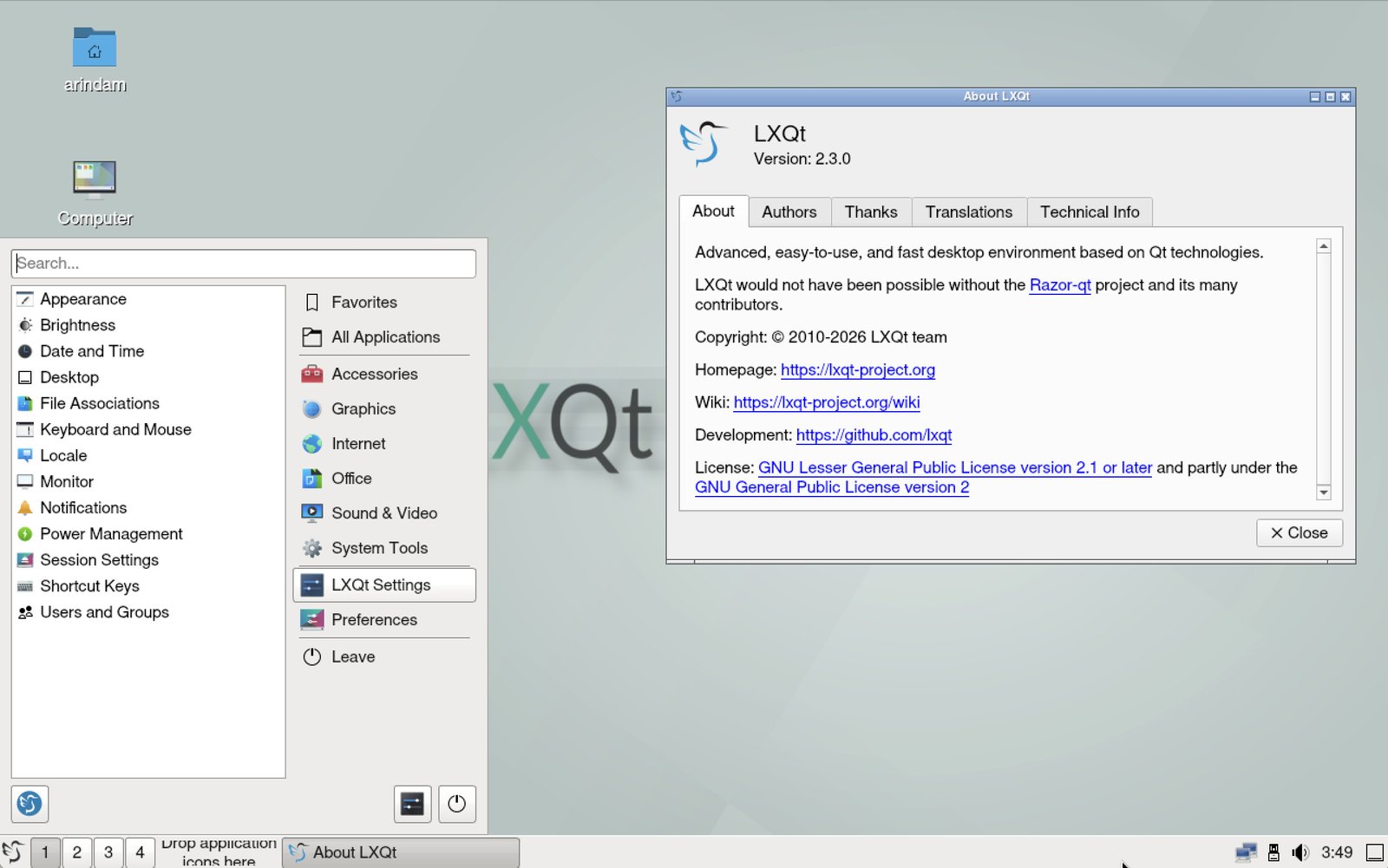
LXQt 2.3.0 brings improved Wayland support and few tweaks.
LXQt 2.3.0 rolled out a few weeks ago, bringing a fresh wave of improvements that make this Qt-based DE even more appealing for those who value speed and customization on their Linux setups.
As someone who has tinkered with various desktops from GNOME to KDE, I can tell you LXQt continues to shine for its minimal resource footprint while packing in modern features.
Let’s round up this release.
LXQt 2.3.0: Feature Highlights
At the heart of LXQt 2.3.0 is enhanced Wayland support, which is a big win for users moving away from X11. Components like the LXQt Panel now integrate better with compositors such as Labwc, niri, and Wayfire.
For instance, the Desktop Switcher plugin works seamlessly with Labwc and niri, and there is a dedicated backend for Wayfire. ScreenGrab (the screenshot app) also improved, supporting the wlr screencopy protocol for compatibility with more Wayland compositors.
If you are running a Wayland session, you will take advantage of the new lxqt-qdbus tool added to lxqt-wayland-session, which simplifies using qdbus commands without extra hassle.
In addition, the release also introduces some thoughtful changes to improve usability as well.
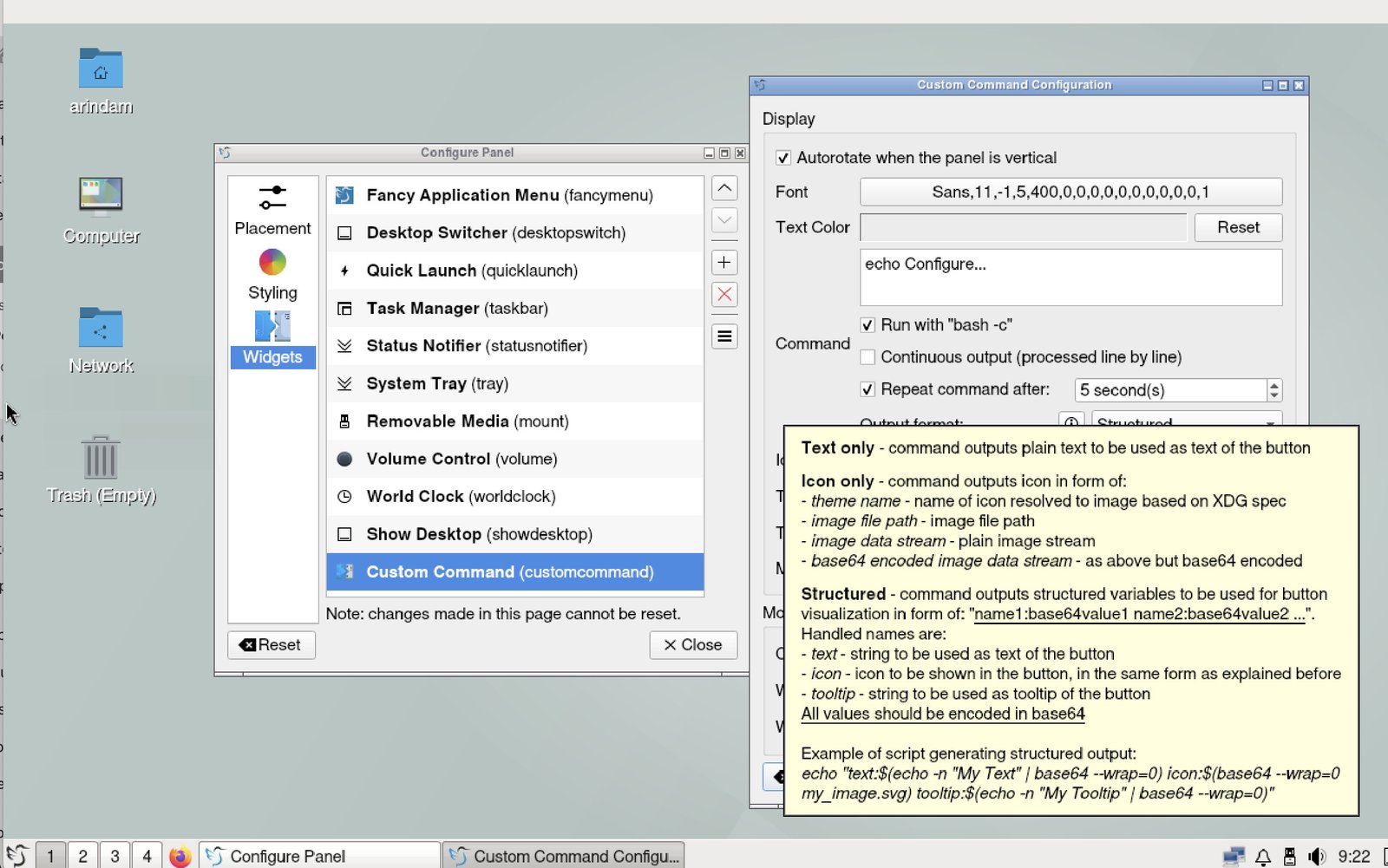
Global scale factor settings are now restricted to X11 in the LXQt Wayland Session; on Wayland, you will handle scaling through your compositor or tools like kanshi. Auto-start applications are properly categorized, and the Custom Command plugin in the LXQt Panel has been made more flexible, supporting structured output and updating on every new input.
Sorting in the Fancy Menu and Main Menu is now locale-aware, ensuring your apps list feels natural. Plus, the initial config file for the panel is accessible outside LXQt, preventing those annoying empty panels on fresh installs. Other neat tweaks include activating the Show Desktop plugin via drag-and-drop, adjusting backlight with the mouse wheel, and adding a “Safely Remove” option to PCManFM-Qt’s side-pane context menu when applicable. You can even disable file tooltips on the desktop in PCManFM-Qt for a cleaner look.
Moreover, there are also a few new additions to keep things fresh.
In LXQt Power Management, there is now a section to turn off the monitor on Wayland, with support for KWin, niri, and Hyprland. QTerminal and QTermWidget gain a “Toggle Bookmarks” option in the view context menu, and the prompt dialog drops the “Do not ask again” checkbox for simpler interactions.
The project also launched a new Wiki at lxqt-project.org/wiki, complete with better search and a polished appearance, while keeping the old pages intact. And good news for domain nostalgia: lxqt.org is back and redirects to the main site.
On the improvements front, Emoji flags are now handled properly in QTerminal and QTermWidget. Across the board, components like LXQt Panel, LXQt Wayland Session, LibFM-Qt/PCManFM-Qt, QTerminal/QTermWidget, and LXQt Archiver see miscellaneous updates and enhancements for smoother performance.
Bug fixes address some small issues. A crash in LibFM-Qt/PCManFM-Qt on mount failures after closing tabs is resolved, along with a workaround for a GLib glitch when moving directories. LXQt Archiver fixes handling of wrong passwords with 7z, sets enabled states for delete and view actions correctly, and ensures you can navigate back to the root directory after file operations.
One important note: This release aligns with updated Qt versions for compatibility, so check your distro’s package manager for the latest dependencies. LXQt 2.3.0, this version, is based on Qt 6.10.1.
Download and updates
Ubuntu, Fedora already updated their repo with this, and you may get this out of the box in the next release.
Ubuntu 26.04 LTS “Resolute Raccoon”, which is planned to be released on April 23, 2026, likely won’t feature this version due to schedule conflicts.
On the other hand, Fedora 44 will feature this version. It’s already in the rawhide.
Arch Linux users can try this version right now from extra repo. You can also install a fresh Arch Linux system with LXQt using this guide.
Wrapping Up
LXQt 2.3.0 is an exciting update for users, offering improved Wayland support, new features, and various fixes. With its focus on lightweight and efficient desktop environment, LXQt 2.3.0 is an excellent choice for users seeking a fast and customizable desktop experience.
Via release notes


