

SystemRescue 13.00 Released with Linux Kernel 6.18 LTS and Many Useful Improvements.
SystemRescue 13.00 is now available. This is a significant update to the popular Arch-based live Linux distribution that many of us use for system repair and data rescue tasks.
If you work with broken systems, need to recover data from damaged drives, or want a reliable toolkit for disk management, SystemRescue has always been one of the best choices. With version 13.00, the project brings the first release powered by the new long-term supported Linux kernel 6.18 series.
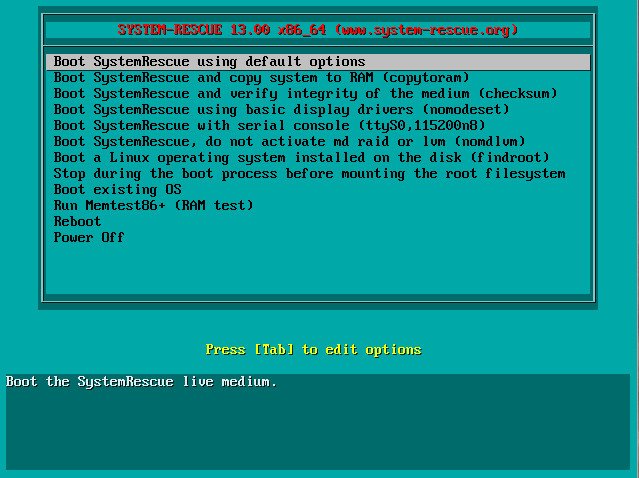
Table of Contents
What’s New in SystemRescue 13.00
The development team updated the Linux kernel to the long-term-supported version 6.18.20. This gives better hardware support, improved stability, and security updates for a longer period. It is a great step for a rescue distribution that needs to run reliably on both new and older hardware.
Other important changes include:
- Updated bcachefs tools and kernel module to version 1.37.3
- Firefox updated to 140.9.0 ESR (the web browser included in the live environment)
- Packages synchronized with the latest upstream Arch repositories
- Updated GParted to version 1.8.1 for better disk partitioning experience
- Added new useful tools such as yq (for processing YAML, XML, and TOML files) and fatsort
- Replaced the older Python version of iotop with the faster iotop-c
- Added nss-mdns package for better network discovery support
The team also focused on improving the user experience on modern displays. They now use the default font from the kernel to avoid tiny fonts on HiDPI screens. There is also a new script that helps adjust the scaling factor depending on your configuration. Additionally, they fixed the yay-prepare script that was causing errors for some users.
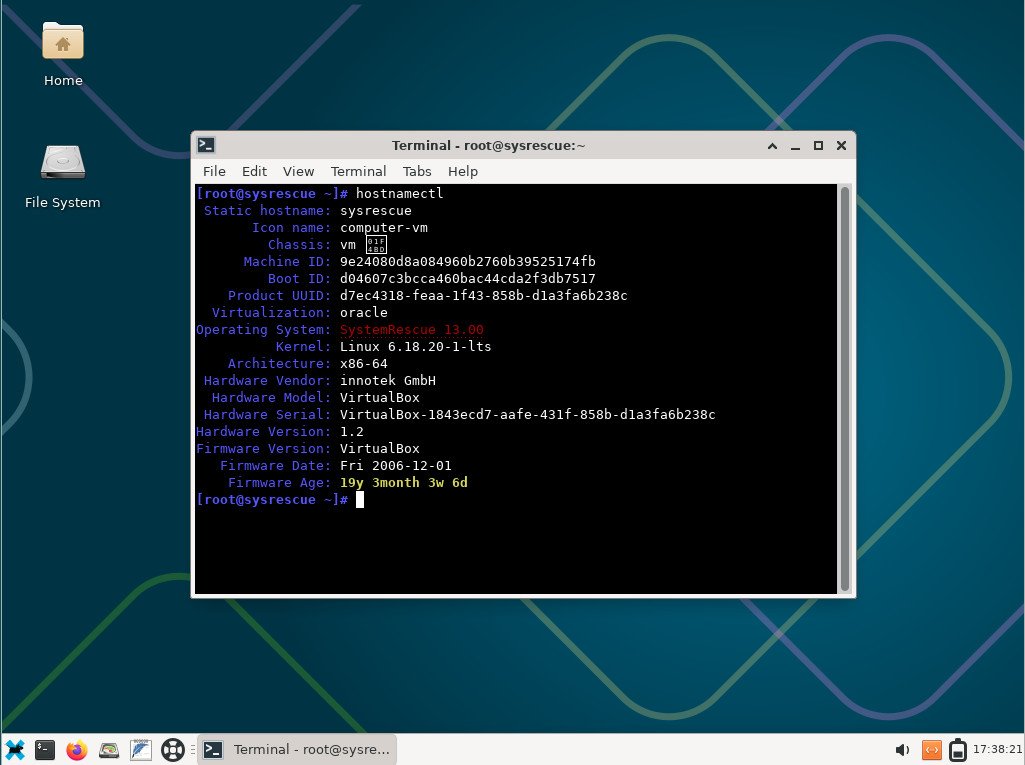
SystemRescue is designed to boot from USB or DVD and run entirely from RAM. It comes with Xfce desktop and a huge collection of system tools for partitioning, file system repair, data recovery, networking, and more.
With the move to Linux kernel 6.18 LTS, the distribution should handle newer hardware better while keeping excellent compatibility with older machines. The added tools like yq and iotop-c make advanced troubleshooting tasks a bit easier and faster.
I always feel that a good rescue distribution should stay lightweight yet powerful. SystemRescue 13.00 looks promising in this direction.
Download and Installation
You can download SystemRescue 13.00 from the official mirrors. The ISO file name is systemrescue-13.00-amd64.iso and its size is around 1.25 GB.
Direct download links:
- From Fastly (recommended): https://fastly-cdn.system-rescue.org/releases/13.00/systemrescue-13.00-amd64.iso
- From SourceForge: https://sourceforge.net/projects/systemrescuecd/files/sysresccd-x86/13.00/systemrescue-13.00-amd64.iso/download
After downloading, always verify the SHA256 checksum to make sure the file is not corrupted. The checksum file is available on the official download page.
How to use SystemRescue 13.00
SystemRescue is a live distribution, so there is no traditional installation required for normal use. Here are the common ways to get it running:
- Create a bootable USB stick (recommended): Use tools like Rufus (on Windows), Etcher, or the official SystemRescue USB Writer tool (available as AppImage). The official guide is here: https://www.system-rescue.org/Installing-SystemRescue-on-a-USB-memory-stick/
- Burn to DVD: If you still use optical media, burn the ISO as an image.
- Test in a virtual machine: You can boot the ISO directly in VirtualBox, VMware, or QEMU for testing.
You can also install SystemRescue permanently on your hard disk if needed. Check the official manual for detailed steps: https://www.system-rescue.org/manual/
Wrapping Up
Overall, SystemRescue 13.00 is a solid update that brings a modern kernel, better HiDPI support, and several practical new tools. If you regularly need a system rescue toolkit, this release is worth checking out.
So, what do you think about the new SystemRescue 13.00 release? Do you use it regularly for rescue tasks? Let me know in the comment box down below.
Cheers.


