

Kali Linux 2026.1 released with fresh 2026 theme and nostalgic BackTrack Mode.
Kali Linux 2026.1 is now available. This first release of the year brings a stunning new visual theme, a fun nod to the project’s roots with BackTrack mode, eight exciting new tools, and the usual solid package updates.
The Kali team always keeps things fresh, and 2026.1 continues that tradition nicely. Released on March 24, 2026, it builds on the previous 2025.4 version with a yearly theme refresh, a kernel bump to 6.18, and plenty of improvements under the hood. I have been following Kali releases for years, and I always feel these point releases make the distribution even more polished for penetration testers and security researchers.
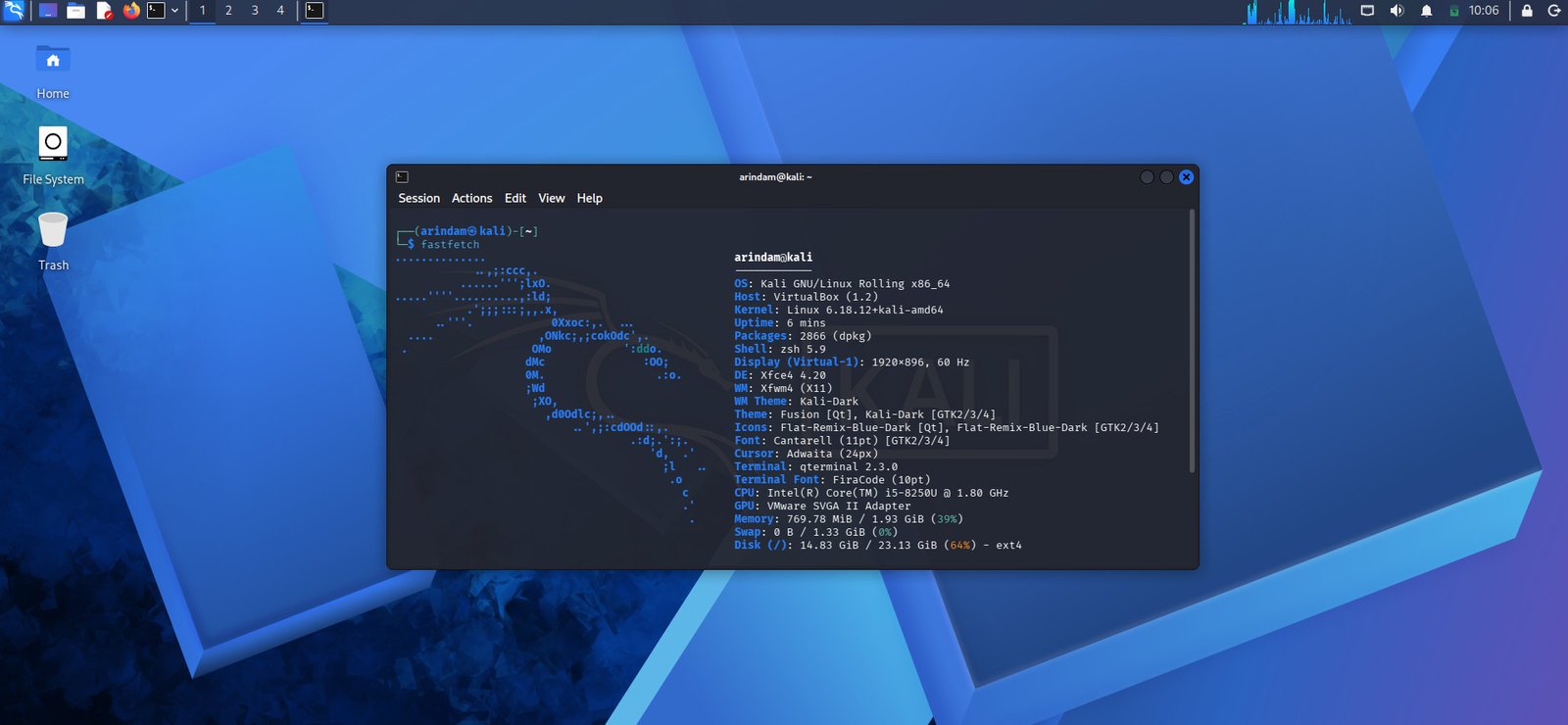
Table of Contents
What’s New in Kali Linux 2026.1
The biggest highlight is the 2026 Theme Refresh. As usual for the first release of the year, the team has given Kali a complete visual makeover. You will notice the changes right from the boot menu and boot animation all the way to the graphical installer, login screen, and desktop wallpapers.
The boot animation is now fixed for live images – it no longer gets stuck and restarts the loop smoothly if the boot takes longer. Everything feels more modern and consistent. There is also updated artwork for the Kali Purple desktop variant.
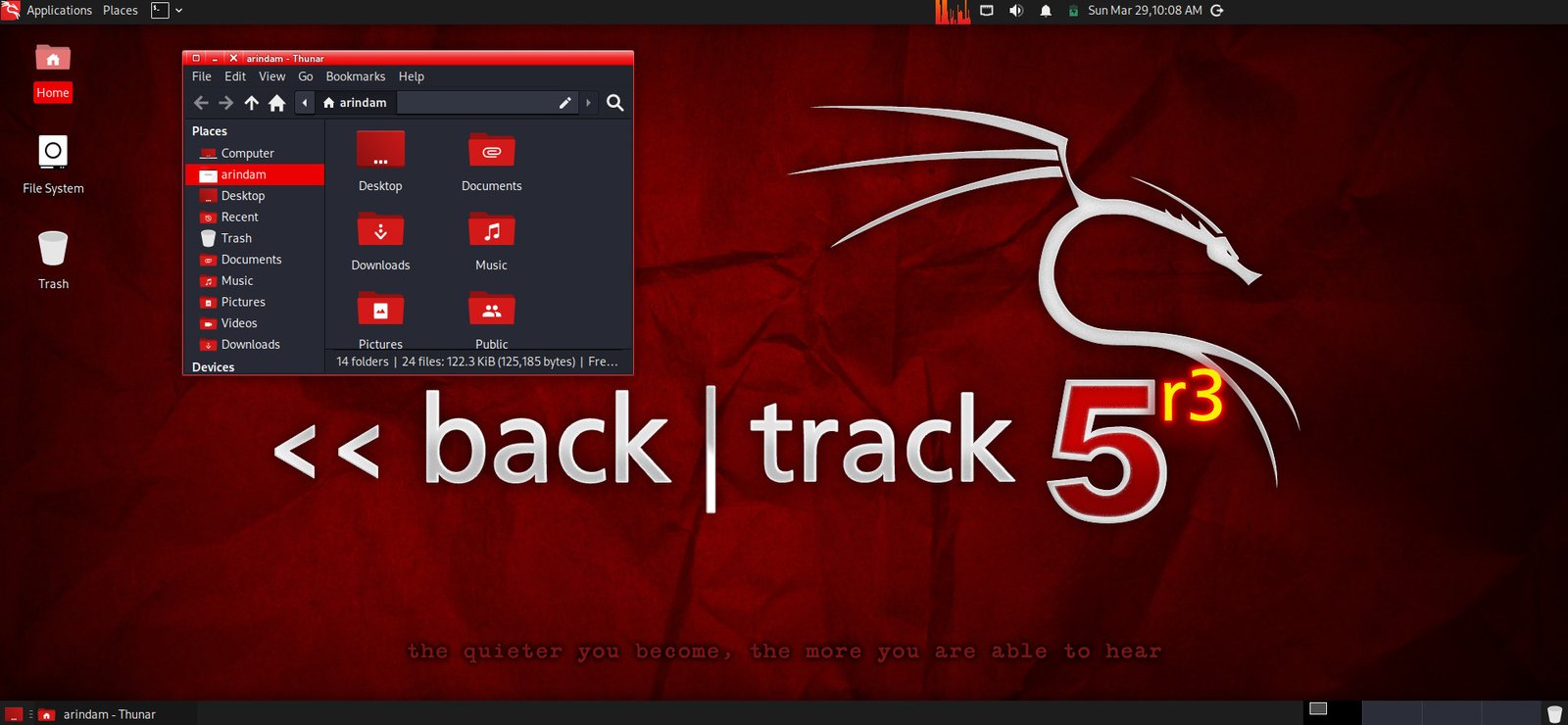
Another fun addition is BackTrack Mode for kali-undercover. This year marks the 20th anniversary of BackTrack Linux, the predecessor to Kali. To celebrate, you can now switch your desktop to look and feel exactly like the old BackTrack 5 – same wallpaper, colors, and window themes.
Just run kali-undercover --backtrack from the menu or terminal, and you are transported back in time. Run it again to switch back to the normal Kali look. It is a nice nostalgic touch for longtime users.
New Tools and Package Updates
Kali would not be Kali without fresh tools. This release adds eight new programs to the repositories:
- AdaptixC2 – Extensible post-exploitation and adversarial emulation framework
- Atomic-Operator – Execute Atomic Red Team tests across multiple operating systems
- Fluxion – Security auditing and social-engineering research tool
- GEF – Modern experience for GDB with advanced debugging capabilities
- MetasploitMCP – MCP server for Metasploit
- SSTImap – Automatic SSTI detection tool with interactive interface
- WPProbe – Fast WordPress plugin enumeration tool
- XSStrike – Advanced XSS scanner
In total, there are 25 new packages, 9 removed, and 183 updates. The Kali kernel has been bumped to version 6.18 (specifically 6.18.12-1kali1). Kali NetHunter also received several improvements, including better wireless injection support on certain Qualcomm chipsets and various bug fixes.
These changes make Kali even more versatile for red teaming, debugging, web application testing, and mobile security work.
Download and Installation
You can download the fresh Kali Linux 2026.1 images from the official page:
https://www.kali.org/get-kali/
Choose the right image for your needs – there are options for bare metal, virtual machines (VMware and VirtualBox), and more. The site also explains which image to pick.
After downloading, always verify the SHA256 checksum for security. The official download page provides the checksum files.
Creating a bootable USB:
Use tools like Rufus (on Windows), Etcher, or the dd command on Linux. For example:
sudo dd if=kali-linux-2026.1-installer-amd64.iso of=/dev/sdX bs=4M status=progress && sync
(Replace /dev/sdX with your USB device – be careful!)
The ISO is a live system. You can boot and try Kali without installing anything. When you are ready, launch the graphical installer from the desktop. It is straightforward and user-friendly.
If you are already running Kali Linux, upgrading is simple. Run these commands:
echo "deb http://http.kali.org/kali kali-rolling main contrib non-free non-free-firmware" | sudo tee /etc/apt/sources.list
sudo apt update && sudo apt -y full-upgrade
cp -vrbi /etc/skel/. ~/
[ -f /var/run/reboot-required ] && sudo reboot -f
After upgrading, check the version with grep VERSION /etc/os-release – it should show 2026.1.
For detailed installation steps, check the official documentation: https://www.kali.org/docs/installation/
New mirrors have also been added in Azerbaijan, China, South Korea, and Spain for faster downloads in those regions.
Note: Due to huge size, Kali installation may take sometime (~30 mins). So, plan accordingly.
Wrapping Up
Kali Linux 2026.1 is a great step forward. The fresh 2026 theme makes it look stunning, the BackTrack mode adds a nice nostalgic touch, and the new tools plus kernel update keep it powerful and relevant for security professionals.
You should give it a try – especially if you miss the old BackTrack days or want the latest tools right away.
So, what do you think about the new Kali Linux 2026.1 release? Do you like the BackTrack mode? Let me know in the comment box down below.
Cheers.


