
How to install and add Clip Arts in LibreOffice
Clipart is an integral part of any Office suites. Clipart are small images used for activities while working in Office applications. In Ubuntu, LibreOffice also...1 min

Linux and Dev Portal
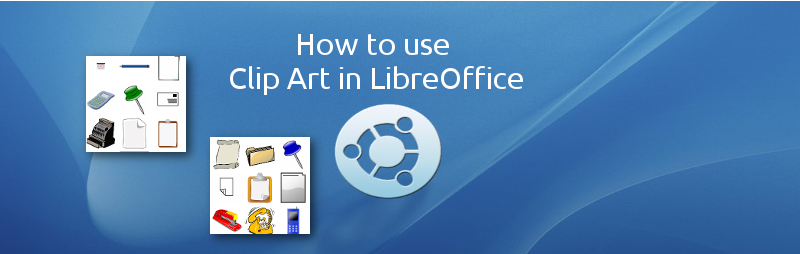
Clipart is an integral part of any Office suites. Clipart are small images used for activities while working in Office applications. In Ubuntu, LibreOffice also...1 min
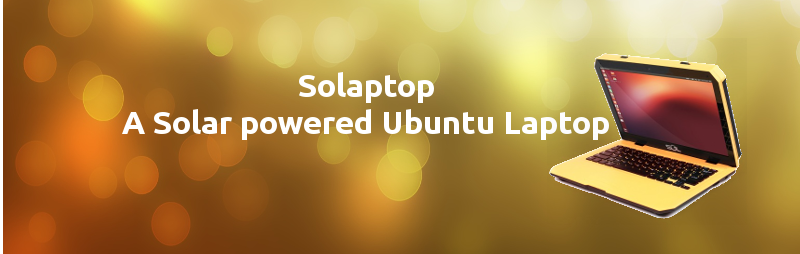
With ever growing “green” buzzword, here comes a laptop which can work almost anywhere in this planet provided there is sunlight available. And of course...1 min

The shutter is the best screenshot tool available in Ubuntu loaded with all possible features including an in-built image editor for quick edits.1 min

Pinta and Pencil two amazing software available in Linux/Ubuntu which is the equivalent for MS Paint application in Windows and can be a good MS...1 min

A new package launched that helps you organise your apps, folders etc, in Unity.1 min
This tutorial will use the form controls such as a button inside LibreOffice Calc spreadsheet and assign a macro which will fire when the button...2 min

Microsoft Visio is a very popular diagramming software for Windows used for drawing flowcharts, network diagrams, charts etc. In Linux/Ubuntu there are two best alternatives...1 min

Screen casting is a process of digital recording of computer screen output which is needed for various tasks, tutorials etc. In Ubuntu there are various...2 min

Java Runtime Environment (JRE) is needed for many Ubuntu applications such as writing and Running macros in LibreOffice. The runtime also required for web browsers...1 min

You must have seen advertisement on top of videos while playing in many tube sites including YouTube. In this tutorial we will try to do...2 min

HTML5 comes with progress bar tag which is useful to many occasions. Progress bar element is used in multiple occasions when a status of a...1 min

In this tutorial we will draw a playing video frame as an image inside HTML5 Canvas. Canvas provides a method drawImage which draws from any...1 min